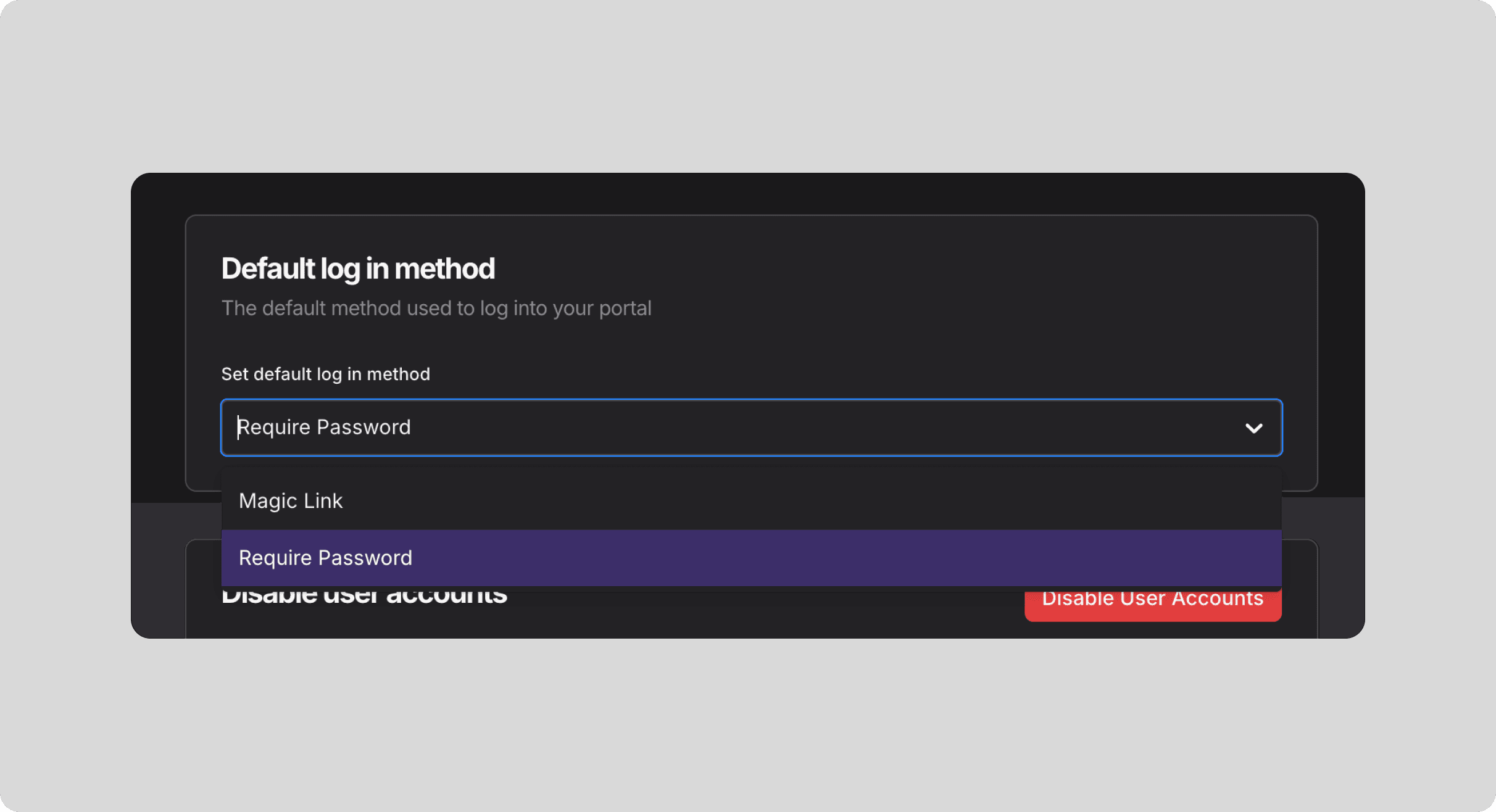
Default Login Method
Set the default login method for your users
By default, your users will log in to your portal using magic links. However, these emails might end up in spam due to your organization’s email filters. If this becomes a problem, you can switch the default login method to username/password. This change only updates the default login option displayed, but users will still have the flexibility to log in using either method.
What are magic links?
A magic link is a secure, one-time login link sent to a user’s email. Instead of entering a password, users simply click the link to authenticate and access their account, providing a seamless and password-free login experience.
Update the default log in method
In the editor, go to the User Management tab
Click on the Settings tab.
Click on the Authentication tab.
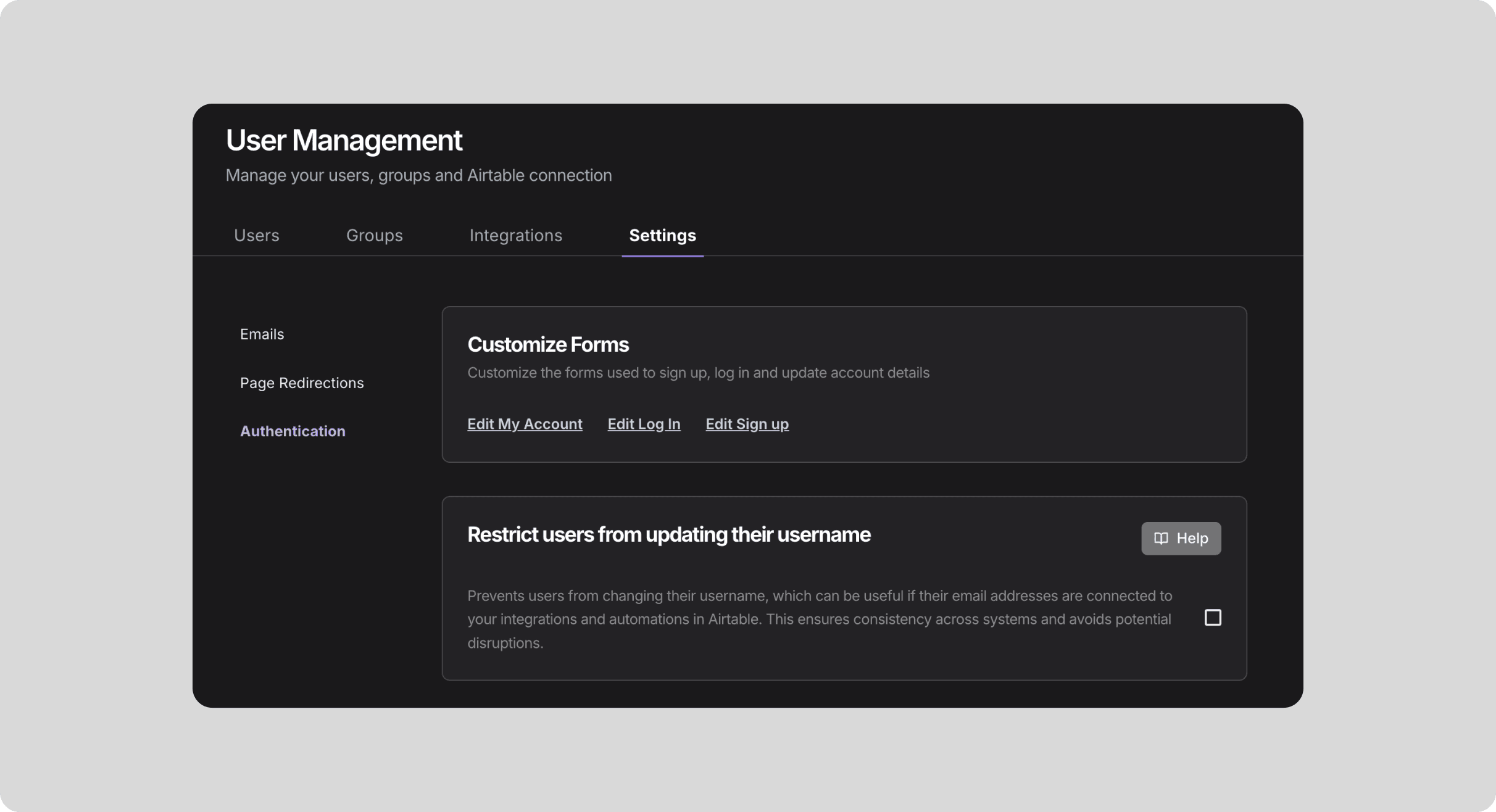
Scroll down to the Default log in method section and select the method you want. Your changes will be automatically saved.